


Liraspin mobile access – browser play and app options
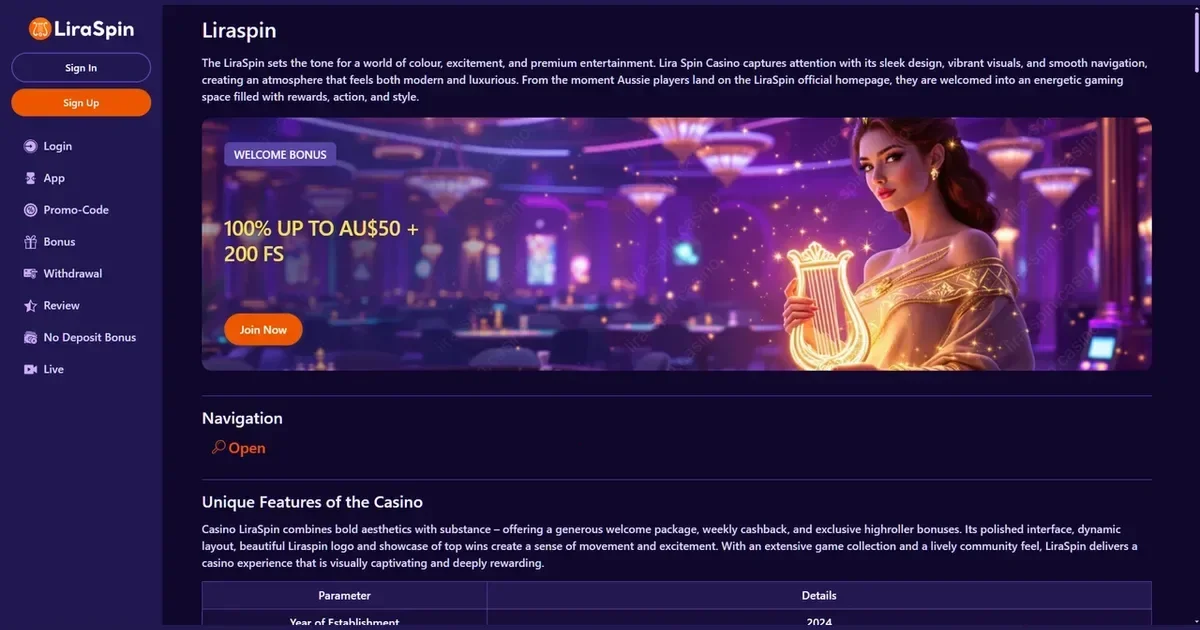
















The honest answer on apps
Liraspin runs in mobile browsers without requiring a download. Players aged 18 and over can reach the platform from Chrome, Safari, Firefox or any standards-compliant browser on iOS and Android devices. The site adapts to smaller screens automatically, keeping the layout readable and the buttons reachable.
There is no native application to install from the App Store or Google Play. The operator has chosen a browser-first approach, which means access works the same way across every device: open the site, log in, and the interface adjusts to the screen size you are using.
The browser route in practice
Playing through a mobile browser starts with the operator's own address typed into the URL bar. The homepage loads a simplified layout – fewer animations, larger touch targets, a menu that slides in from the edge rather than sitting across the top.
Getting to the games takes three steps:
- Open your browser and navigate to the operator's site.
- Tap the login button in the top right corner and enter your credentials – the same email and password you use on a desktop.
- Select a game category from the menu or use the search bar to find a specific title.
The account you created on a computer works here without re-registering. Progress, balances and active bonuses carry across devices because they are tied to the account, not the platform you logged in from.
Features that survive the small screen
The core functions remain available on a phone. You can browse the slots library, filter by provider, and launch a game in full-screen portrait or landscape mode. Live dealer tables stream at a resolution the connection can handle, scaling down quality on slower networks to keep the feed uninterrupted.
The cashier is accessible through the account menu. Deposit methods include Visa, Mastercard, PayPal, Skrill and a range of cryptocurrencies – USDT on both TRC-20 and ERC-20 networks, Bitcoin, Ethereum, Litecoin and Dogecoin. The minimum deposit of €20 applies regardless of the device. Withdrawals follow the same process as on desktop: request the payout, wait up to 72 hours for processing, and the funds leave via the original payment method where possible.
Verification documents can be uploaded from a phone. The KYC process may be triggered at the first withdrawal, and the operator accepts photos taken with the device camera – a government ID, a recent utility bill and a screenshot of the payment method used. High-resolution selfies holding the document may be requested as an additional check.
Customer support runs through live chat and email, both reachable from the mobile menu. The chat window opens over the current screen rather than navigating away, and support hours are listed as 24/7.
Where mobile is worse than desktop
Multitasking becomes harder on a small screen. Opening a second game means closing the first, and checking bonus terms while mid-session requires switching between tabs, which some browsers handle poorly. The search bar sits at the top of a scrollable list rather than offering autocomplete suggestions, so finding a specific title by name takes longer.
Game thumbnails shrink to fit the narrower viewport. Titles with similar artwork become difficult to distinguish at a glance, and the grid layout shows fewer games per screen compared to a desktop monitor. Scrolling replaces scanning.
Table games with complex interfaces – multi-hand blackjack, detailed roulette betting grids – feel cramped in portrait mode. Landscape orientation helps, but text and chip values may still render smaller than comfortable for extended sessions.
A short checklist
Before playing on mobile, check the connection. Streaming live dealer games or spinning high-volatility slots over mobile data drains the allowance quickly, and a dropped connection mid-round can leave the outcome unclear until you reconnect. Wi-Fi is the safer choice for sessions longer than a few spins.
Confirm the address in the URL bar. Phishing sites designed to mimic the operator's login page are more convincing on a phone, where the browser's address bar is shorter and easier to overlook. Bookmark the legitimate site after the first visit rather than relying on search results each time.
Sign out after finishing, especially on a shared device. Mobile browsers save login credentials by default, and leaving the session open means anyone with the phone can access the account, request withdrawals or change settings without needing the password again.
Set deposit and session limits before the first mobile session. The operator provides these controls in the account settings, and they apply across all devices. A limit configured on desktop will stop deposits from a phone at the same threshold, which matters more when the casino is always in your pocket.
Responsible gambling on the move
Gambling is entertainment, not a route to financial security. Playing on a device you carry everywhere makes it easier to chase losses or extend sessions beyond what you planned. The operator offers deposit limits, loss limits and self-exclusion tools through the account menu – the same controls available on desktop.
If gambling stops feeling like a choice, help is available in the UK through GamCare (0808 8020 133, free and confidential, 24/7) and BeGambleAware. GamStop provides free self-exclusion across all UK-licensed sites. Blocking software like Gamban and BetBlocker can prevent access to gambling sites at the device level.
Access to this content is restricted to persons aged 18 and over (18+). This page is provided for information and marketing purposes only – we are not a casino operator, a bookmaker or an organiser of gambling. For free, confidential support with gambling, visit BeGambleAware.org.
Last updated:
Frequently asked questions
Does Liraspin have a native app for iOS or Android?
No. Liraspin runs in mobile browsers without requiring a download. The site works on iOS and Android devices through Chrome, Safari, Firefox or any standards-compliant browser, adapting its layout to the screen size automatically.
Can I deposit and withdraw from my phone?
Yes. The cashier is accessible through the mobile account menu. Deposit methods include Visa, Mastercard, PayPal, Skrill and cryptocurrencies. The minimum deposit is €20, and withdrawals are processed within 72 hours, the same as on desktop.
Do I need a separate account for mobile play?
No. The same account works across all devices. Log in with your existing email and password, and your balance, active bonuses and game progress carry over from desktop to mobile automatically.
Can I upload verification documents from my phone?
Yes. The operator accepts photos taken with your device camera during the KYC process. You can upload a government ID, a recent utility bill and a payment method screenshot directly from the mobile account menu.
Game Providers